
How to Install IPTV in 2026: A Beginner's Guide
Learn how IPTV installation works across Smart TVs, streaming devices, phones and computers, with setup basics and troubleshooting tips.
Need instructions for a particular device? Choose a device-specific installation guide.
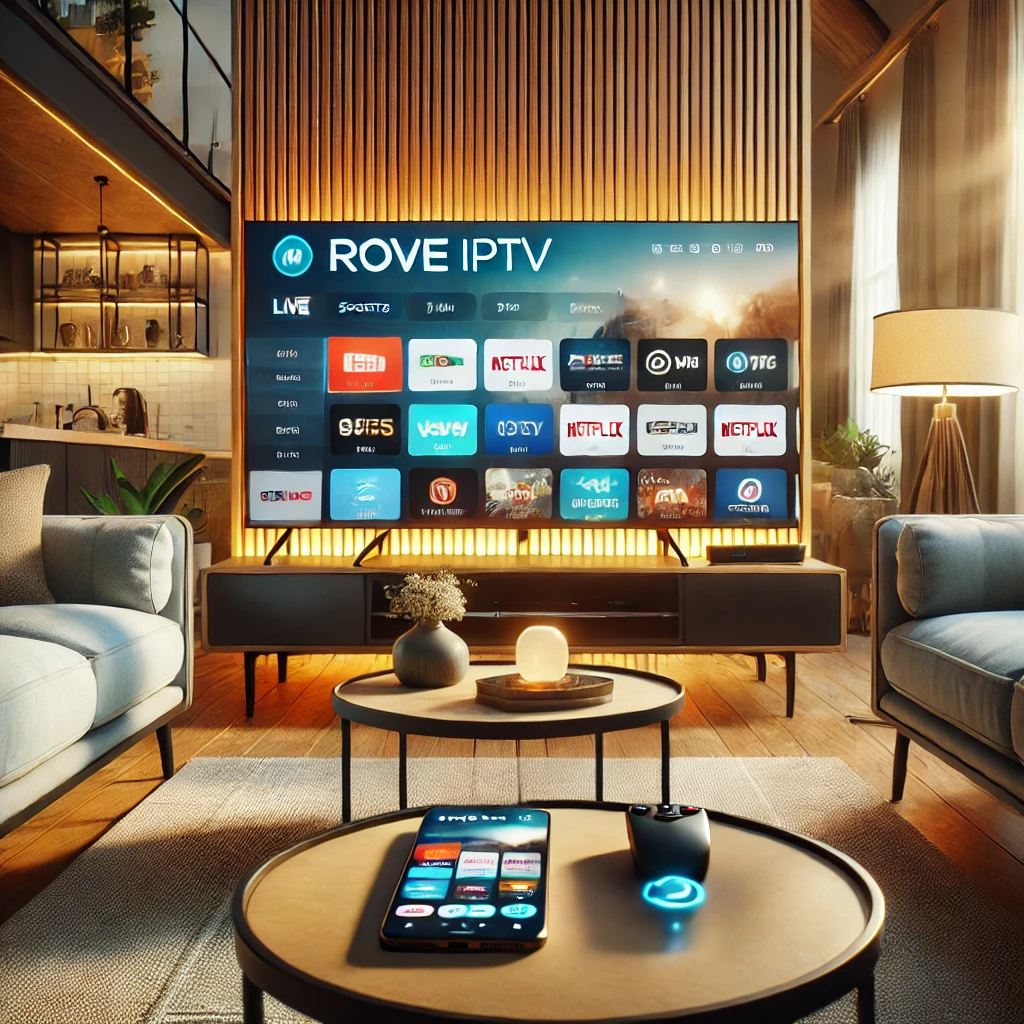
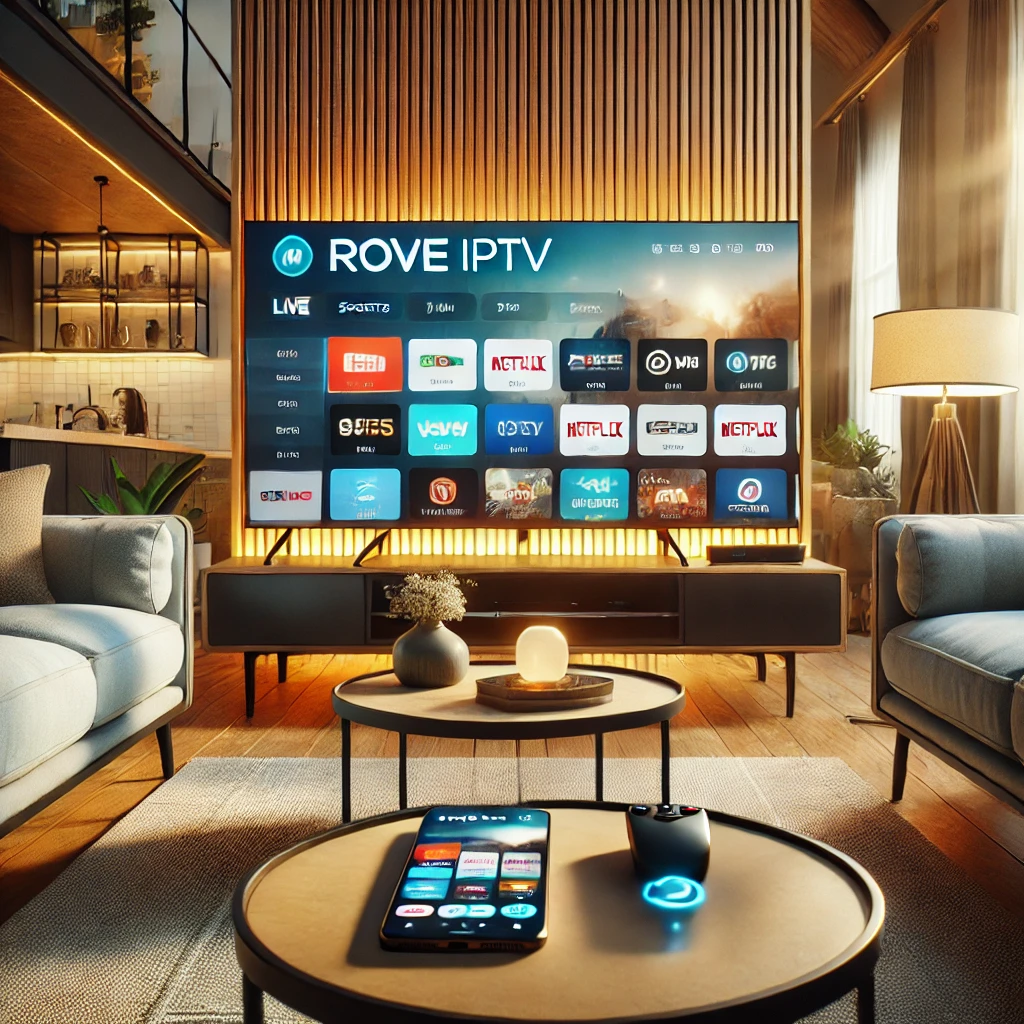
Looking to cut the cord and dive into the world of IPTV (Internet Protocol Television)? You’re not alone! As traditional cable TV continues to lose its grip, more and more people are turning to IPTV for its convenience, affordability, and endless entertainment options. With IPTV, you can enjoy your favorite TV shows, movies, live events, and sports on-demand, all at your fingertips. Whether you’re watching on a big screen in your living room, streaming on your smartphone while commuting, or catching up on your laptop during lunch, IPTV provides a flexible, all-in-one entertainment solution.
The best part? It’s not just for tech-savvy individuals. Installing IPTV is easier than ever, with user-friendly apps and straightforward setups tailored for everyone—from beginners to advanced users. This comprehensive guide will walk you through everything you need to know about how to install IPTV on various devices, troubleshoot common issues, and optimize your streaming experience.
Moreover, we’ll shine a spotlight on iptv.onl, the USA's premier IPTV provider. Known for its exceptional service, massive channel lineup, and reliable streaming, iptv.onl has set the gold standard for IPTV services in the country. Whether you’re a sports enthusiast craving high-definition games, a movie lover eager to explore blockbusters, or someone who enjoys international content, iptv.onl has something for everyone.
If you’re ready to unlock a new level of entertainment, let’s dive in and get started with how to install IPTV seamlessly!
What Is IPTV and Why Should You Consider It?
IPTV, or Internet Protocol Television, delivers TV content over the internet instead of traditional cable or satellite. This innovation offers numerous benefits:
- On-Demand Content: Access movies, shows, and live TV whenever you want.
- Cost-Effective: Save money compared to expensive cable subscriptions.
- Device Flexibility: Watch on smart TVs, smartphones, tablets, and more.
With a growing number of Americans cutting the cord, IPTV is quickly becoming the preferred choice for entertainment.
What to Look for in an IPTV Service
When it comes to IPTV providers in the USA, iptv.onl IPTV USA leads the pack. Here’s why:
- Extensive Channel Selection: Access thousands of channels, including local American content, sports, and international programming.
- Reliable Streaming: Assess streaming quality with your own connection, device, and application.
- User-Friendly Interface: Designed for ease of use, even for beginners.
- Exceptional Customer Support: Need help? iptv.onl provides customer-support channels for setup and troubleshooting questions.
- Affordable Plans: Get premium IPTV service without breaking the bank.
Pro Tip: For the best IPTV experience in the USA, choose iptv.onl for unmatched service and quality.
Devices Compatible with IPTV
Before diving into installation, make sure your device supports IPTV. Compatible devices include:
- Smart TVs: Samsung, LG, Sony, and more.
- Smartphones and Tablets: Both Android and iOS platforms.
- PCs and Laptops: Windows, macOS, and Linux.
- Streaming Devices: Amazon Firestick, Roku, Apple TV, NVIDIA Shield, etc.
- Gaming Consoles: Xbox and PlayStation (with supported apps).
Step-by-Step Guide to Installing IPTV
1. Installing IPTV on Smart TVs
- Open your TV’s app store (Samsung Smart Hub, LG Content Store, etc.).
- Search for a compatible IPTV app like Smart IPTV or TiviMate.
- Download and install the app.
- Launch the app and enter your subscription details from iptv.onl IPTV Subscription USA.
- Start streaming!
2. Installing IPTV on Smartphones (Android & iOS)
- Visit the Google Play Store (Android) or App Store (iOS).
- Download an IPTV app like IPTV Smarters or GSE Smart IPTV.
- Open the app and enter the M3U URL provided by iptv.onl.
- Enjoy watching your favorite channels on the go.
3. Installing IPTV on PCs and Laptops
- Download an IPTV player such as VLC Media Player or Kodi.
- Install and launch the software.
- Go to the “Media” section and select “Open Network Stream.”
- Enter the M3U link from iptv.onl.
- Start streaming content directly on your computer.
4. Installing IPTV on Streaming Devices (Firestick, Roku, etc.)
- To install IPTV on Firestick device, enable apps from unknown sources (Settings > My Fire TV > Developer Options).
- Download the Downloader app from the Amazon App Store.
- Use Downloader to install the IPTV app recommended by iptv.onl.
- Enter your subscription credentials or M3U link to activate.
How to Configure IPTV Apps for iptv.onl
Configuring your IPTV app is simple:
- Open the app and select “Add Playlist” or “Add URL.”
- Paste the M3U link provided in your subscription email.
- Sync the playlist and EPG (Electronic Program Guide) for seamless navigation.
- Save the settings and start exploring channels.
Troubleshooting Common IPTV Installation Issues
Encountering issues? Here are quick fixes:
- Buffering Problems: Check your internet speed and switch to a wired connection if possible.
- App Crashes: Update your IPTV app to the latest version.
- Invalid M3U Link: Ensure you’ve entered the correct link from your iptv.onl subscription email.
Tips for Optimizing Your IPTV Experience
- Use a high-speed internet connection (minimum 15 Mbps).
- Connect your device via Ethernet for a stable connection.
- Invest in a VPN for privacy and enhanced streaming capabilities.
- Regularly update your IPTV app to enjoy new features and fixes.
Choosing a Service for Your Setup
As the USA's top IPTV provider, iptv.onl delivers an unmatched streaming experience. Whether you’re a sports fan, movie buff, or news junkie, iptv.onl offers:
- Diverse Content: Local and international channels in HD and 4K.
- Customizable Packages: Tailored plans to suit your preferences.
- Exclusive American Content: Enjoy local programming with ease.
Switch to iptv.onl today and transform your TV experience!
Frequently Asked Questions (FAQs)
1. What is iptv.onl?
iptv.onl is a premium IPTV service provider in the USA offering top-tier streaming services for movies, live TV, and sports.
2. Is installing IPTV difficult?
Not at all! Follow this guide to install IPTV on any device in just a few minutes.
3. Do I need special equipment for IPTV?
No, a stable internet connection and a compatible device are all you need.
4. Can I use iptv.onl on multiple devices?
Yes, iptv.onl supports multi-device streaming. Check your subscription plan for specifics.
5. Is IPTV legal in the USA?
Yes, IPTV is legal as long as you use a legitimate provider like iptv.onl.
6. How can I get started with iptv.onl?
Visit iptv.onl’s website to choose a plan, subscribe, and get your M3U link for setup.
Conclusion
Installing IPTV is a game-changer for entertainment enthusiasts, and with iptv.onl, you’re in for a top-notch streaming experience. Their reliable service, affordable plans, and extensive channel offerings make them the best IPTV provider in the USA. Don’t wait—upgrade your entertainment today with iptv.onl!
Enjoying this guide?
See live pricing for every device tier.
Ready to switch to iptv.onl?
Compare plans and get started in minutes.